Your phone is in the red, the room is dark, and the wall charger suddenly does nothing. You try another outlet, dig for a power bank, then settle for whatever battery is left. Few people realize the house is still holding charge, in places they walk past every day.
The outlet is dead, the batteries aren’t
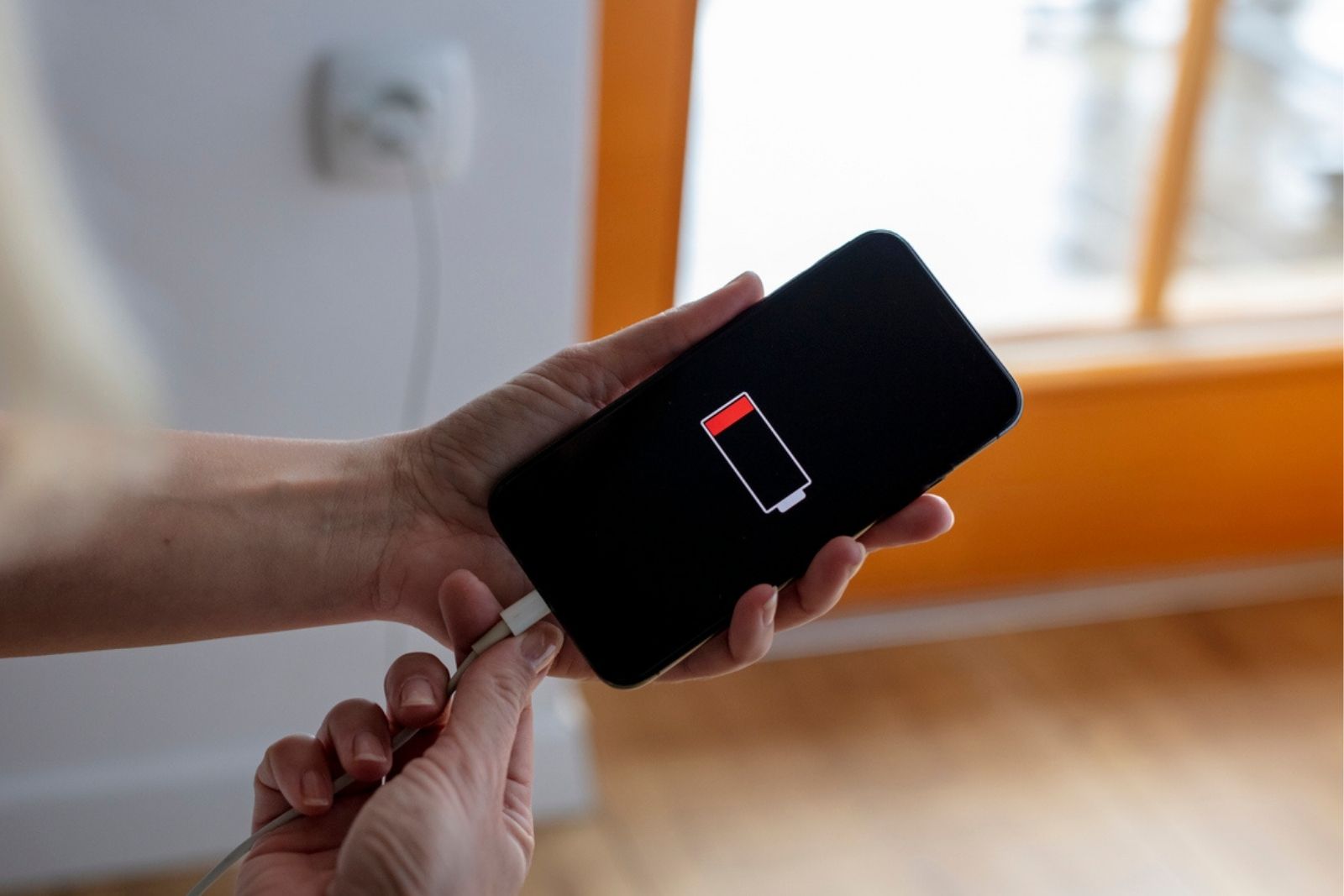
Don’t feel bad: that is what most people do. The outage cut power at the wall, but it didn’t drain the batteries around you. A laptop, the battery backup under a desk, your car: each one filled up before the lights went out, and each one can hand some of that charge back to your phone.
Think of them as small reserves, not generators. The electronics inside convert stored energy into what a USB cable or phone adapter expects, and a little gets lost along the way. The more you plug into them, the faster they run down.
From the laptop to the car
Start with what’s closest. Use each device’s normal cable or adapter, never an improvised connector.
The laptop usually comes first. Plug the phone in with its usual cable and keep the computer awake. Once charging starts, let the laptop go to sleep and see if it keeps going. On supported Dell laptops, a small lightning-bolt icon marks the port that can keep charging, and BIOS settings may turn that off when the computer runs on battery.
Next is the battery backup under the desk, the box called a UPS. Plug your phone’s regular wall adapter into an outlet labeled battery backup, or use a built-in USB charging port if the manual allows it. Shut down the desktop and monitor first. Every extra load shortens how long the UPS lasts.
Then there’s the car, an option the FCC itself recommends. Use the built-in USB port or the correct 12-volt phone adapter.
City Prepping demonstrates it in the video “How To Charge a Phone Without Electricity (Grid Down).”
Once the screen lights up again
The phone wakes up, and the temptation is to scroll. This is the moment to stop it from spending that hard-won charge on things you don’t need.
Dim the screen, close the apps you aren’t using, and switch to airplane mode when you don’t need a connection. Turn it off only to check messages or alerts. Texts and email are easier on the battery than voice calls, so keep calls brief and save streaming for later.
If a call fails, wait 10 seconds before redialing. It gives a crowded network a little room to breathe.
And when the lights finally come back, protect the gear that got you through by knowing which appliance to unplug before the next storm.
The Garage Rule And Other Hard Stops
If the car only charges with the engine running, move it completely outdoors first. Carbon monoxide can kill, and FEMA’s generator guidance says never to run one in a garage, even with the door open.
Never open battery packs, clip a cable to bare terminals or use loose cells, which can short and dangerously overheat. And if someone at home relies on medical equipment, it comes before any phone: make a separate outage plan with your doctor.